The Best AI Image Generators: Tools That Turn Words Into Art
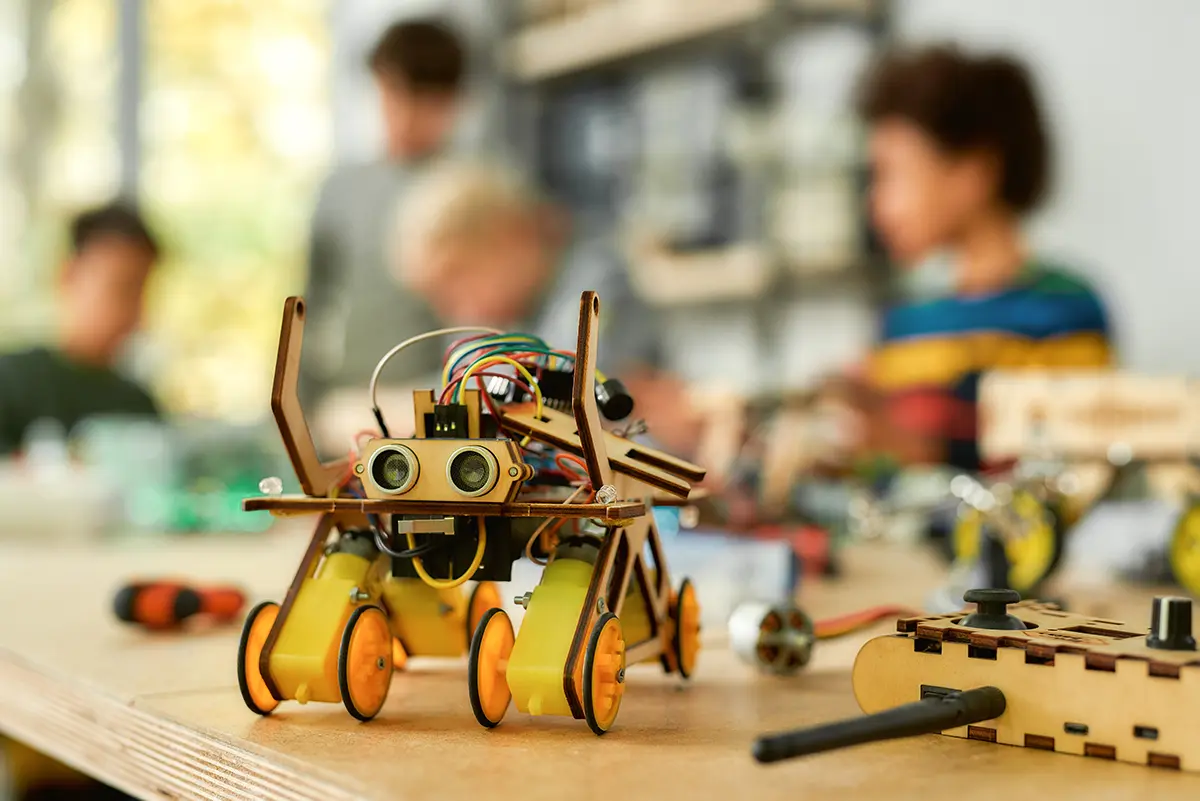
Can you believe the image above was created with an AI image generator?
AI-generated images are no longer an experiment. They are now part of how businesses communicate, market and sell. If you have scrolled through social media or visited a website lately, you have almost certainly seen AI-created visuals, maybe without even noticing.
Today, AI image generators are faster, more accurate and easier to use than ever. They are useful for designers, marketers, small business owners, educators and hobbyists alike. If you are wondering where to start, here is our guide to the best AI image generators and what each one does best.
Why AI Image Generation Matters
AI image generators turn a short text description, called a prompt, into a finished visual. That could be a realistic product photo, a stylized illustration, a social media graphic or a full marketing banner. You can also upload your own photos and ask the AI to edit them in plain language.
Behind the scenes, these tools are powered by AI models trained on huge collections of images and text. The newest models even “think” before they draw: they plan the layout, check details and follow complex instructions much more reliably than earlier tools.
What Makes a Great AI Image Generator?
There are dozens of tools out there. We focused on general-purpose generators that are easy to use and produce high-quality results. We looked at:
- Prompt accuracy: does the image match what you asked for?
- Image quality and detail
- Text in images: can it spell words correctly on signs, posters and ads?
- Range of styles: photo, illustration, 3D and more
- Ease of use
- Editing and customization tools
- Pricing and free options
Here are the best AI image generators to try.
Best for Business and Branded Visuals: Design.com
Platform: Web
Price: Free to get started
Website: design.com
Design.com’s AI Image Generator is built for people who need great visuals without design skills. Describe what you want in plain words, and it gives you several options to compare and refine. You can control the subject, setting, mood, composition and colors just by adding detail to your prompt.
What makes Design.com stand out is everything around the image. The same platform includes a logo maker, website builder, business cards, social media templates, flyers, posters and presentations, so you can turn an AI image into a finished branded piece in one place. It is a great fit for small business owners, marketers and content creators.
Try the Design.com AI Image Generator
Best All-Rounder: ChatGPT Images
Platform: ChatGPT web, desktop and mobile apps, and API
Price: Free plan; paid plans from $20/month
Company: OpenAI
Website: chatgpt.com
ChatGPT’s image generator now “thinks” before it draws, which makes it excellent at following detailed instructions and rendering accurate text. You can also edit images just by chatting: “make the background lighter” or “add our logo in the corner.” It is the easiest place to start if you already use ChatGPT.
Best for Photo Editing and Consistency: Google Gemini (Nano Banana)
Platform: Gemini app, Google AI Studio and API
Price: Free tier; more generations with Google AI Pro and Ultra plans
Company: Google
Website: gemini.google.com
Google’s image models, nicknamed “Nano Banana,” are especially strong at editing photos you upload. They keep people, products and characters consistent across many versions, which is great for product photos, style changes and campaigns that need the same look in every image.
Best for Artistic Results: Midjourney
Platform: Web and Discord
Price: From $10/month (no free plan)
Company: Midjourney
Website: midjourney.com
Midjourney is still the favorite for striking, artistic images that feel handcrafted. If you want cinematic, painterly or editorial-style visuals, it is the most consistent choice. The web app has made it much easier to use than the old Discord-only setup.
Best for Text in Images: Ideogram
Platform: Web
Price: Free plan; paid plans from about $7/month
Company: Ideogram AI
Website: ideogram.ai
Ideogram has long been a go-to for images with words in them. Posters, flyers, social graphics and stylized quotes come out with clean, correctly spelled text. We use it at Voizee for many of our own marketing visuals.
Best for Customization and Open Models: FLUX
Platform: Available on many creative platforms and through the API
Price: Depends on the platform
Company: Black Forest Labs
Website: bfl.ai
FLUX is a top choice for photorealistic images and for creators who want flexibility. It powers many other apps, and its open models can be fine-tuned or even run on your own computer. It is a modern alternative to the older Stable Diffusion models.
Best for Editing in Photoshop: Adobe Firefly
Platform: Adobe Firefly web app, Photoshop and Adobe Express
Price: Free plan; paid plans available
Company: Adobe
Website: firefly.adobe.com
Adobe Firefly is more than a generator. It is an AI design assistant built into the Adobe tools many designers already use. Features like Generative Fill and Generative Expand make it easy to change or extend real photos naturally. Adobe trains Firefly on licensed content, which makes it a popular choice for commercial work.
Best for Design Work: Recraft
Platform: Web
Price: Free plan; paid plans available
Company: Recraft
Website: recraft.ai
Recraft combines AI image generation with graphic design tools. You can create image sets, generate editable vector (SVG) graphics, apply brand colors and mock up whole campaigns. It is ideal for marketing and branding teams.
Other Tools Worth a Look
How Businesses Use AI Image Generators
AI image generation is not just for fun. Businesses use these tools every day to:
- Create blog post and website images
- Design social media graphics and ads
- Build presentations and storyboards
- Customize email and text campaign visuals
- Prototype products, logos and branding
You can also connect many of these tools to your workflows with automation platforms like Zapier, for example to create images from form responses, emails or CRM data.
Final Thoughts
AI image generation is improving fast. The newest models follow instructions better, render text more accurately and make editing as easy as typing a sentence. They do not fully replace photographers or professional designers, but they have become essential for brainstorming, creating content quickly and telling visual stories.
The best tool depends on what you need: Design.com for branded business visuals, ChatGPT for an easy all-rounder, Gemini for photo editing, Midjourney for art, Ideogram for text, or Firefly for Photoshop. The good news? You do not have to pick just one.
How Voizee Uses AI
At Voizee, we use AI image tools like ChatGPT, Ideogram and Design.com to create marketing visuals, blog images and product mockups.
AI is also built right into the Voizee platform. You connect your own AI provider account, such as OpenAI (ChatGPT), xAI (Grok) or Anthropic (Claude), and Voizee puts it to work across every customer conversation:
- AI Voice Agents: answer calls after hours and at busy times, collect caller details and pass qualified leads to your team.
- AI Chatbot: qualifies website visitors 24/7 and answers their questions.
- AI Texting Assistant: replies to text messages in seconds and keeps the conversation going until your team takes over.
- AI Call Transcripts and Summaries: every call is transcribed, summarized and tagged, with suggested next steps.
- AI Knowledge Base: teaches your AI agents your prices, hours and policies so they answer with your real facts.
These tools save time, speed up response times and help businesses turn more leads into customers.